AI Readiness
Know exactly how ready you are for AI. And exactly what to do next.
A graded readiness assessment and a clear, prioritized plan. Built for teams getting ready for Microsoft 365 Copilot and AI, so the next step is never a guess.
The question every team is being asked
Are we ready for AI?
Right now, for most teams, the honest answer is a shrug. The pressure to adopt AI is real. So is the worry about doing it wrong.
Where do we start?
The advice online is endless and contradictory. Every vendor has a different first step, and none of them know your environment.
Is our data safe?
Turning on Copilot can surface files people were never meant to see. It is worth checking who can reach what before you switch it on, not after.
How do we know it is working?
There is no number, no baseline, and no plan. Just a feeling that you are probably behind.
You do not need more opinions. You need a measurement and a map.
How it works
Three simple steps. Most of the work is ours.
You bring the answers only you can give. We handle the analysis, the scoring, and the plan.
Answer a short assessment
Plain questions about your goals, your data, and your setup. No jargon, no homework, no IT degree required.
Run an optional read-only scan
One click, signed in with your own Microsoft account. It reads your settings and fills in the technical answers for you.
Get your report and plan
A graded readiness report and a prioritized, step-by-step roadmap you can act on right away.
Start to finish, it fits inside a week. You stay in control the whole way.
Safe by design
The scan looks. It never touches.
The most common worry we hear is about access. So we built the scan to earn your trust before it ever runs.
- Read-only. It can look at your settings. It cannot change, move, or delete anything.
- Least access. It asks for the minimum read permissions, and you approve them on Microsoft’s own screen.
- Nothing installed. It is a single file you run once. It leaves nothing behind on your machines.
- Your account, your call. You sign in with your own Microsoft work account, and you can revoke access in one click.
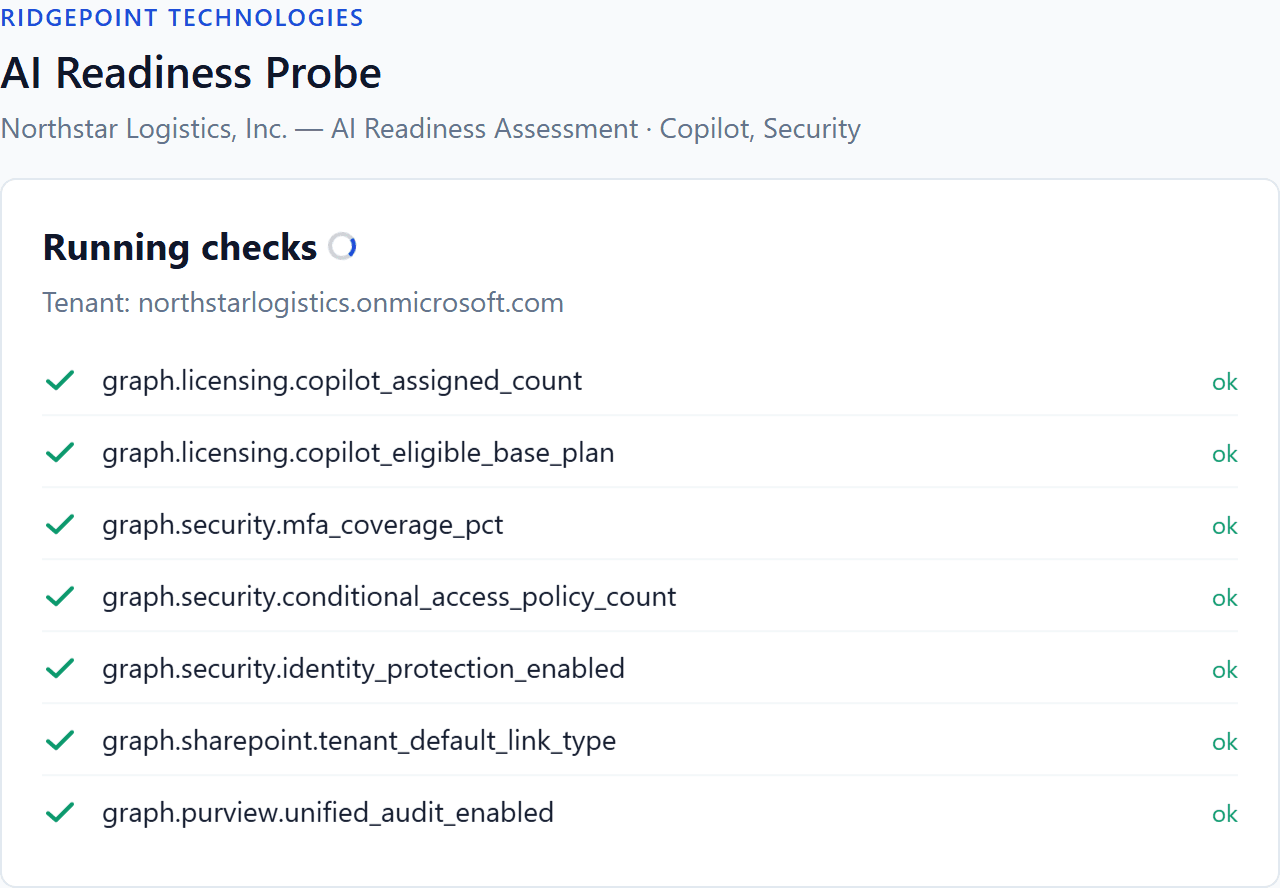
A real scan in progress. Every check is a read-only Microsoft query.
What you get
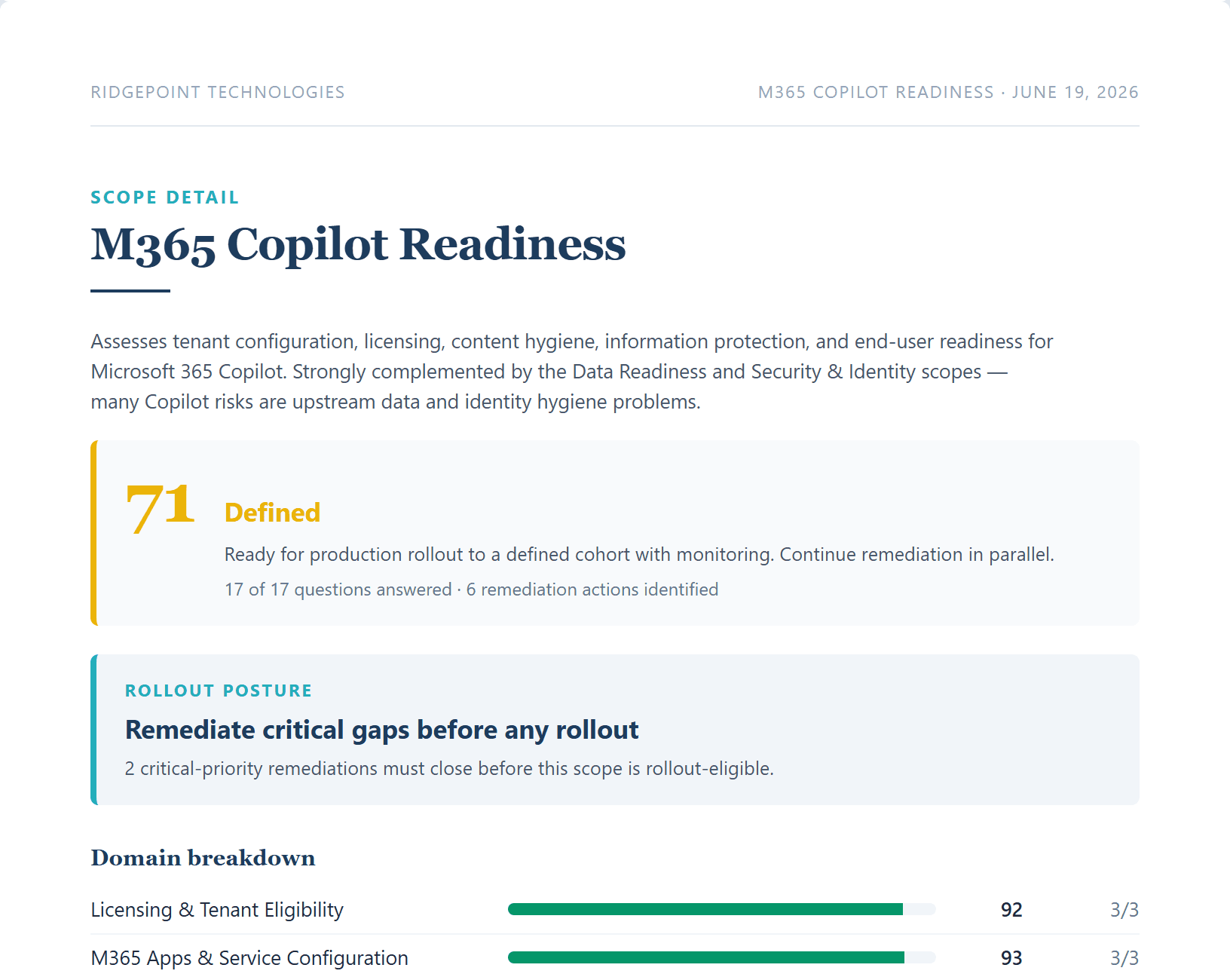
A report you can hand to your board.
Not a spreadsheet. Not a sales deck. A clear, professional readiness report your leadership team can actually use.
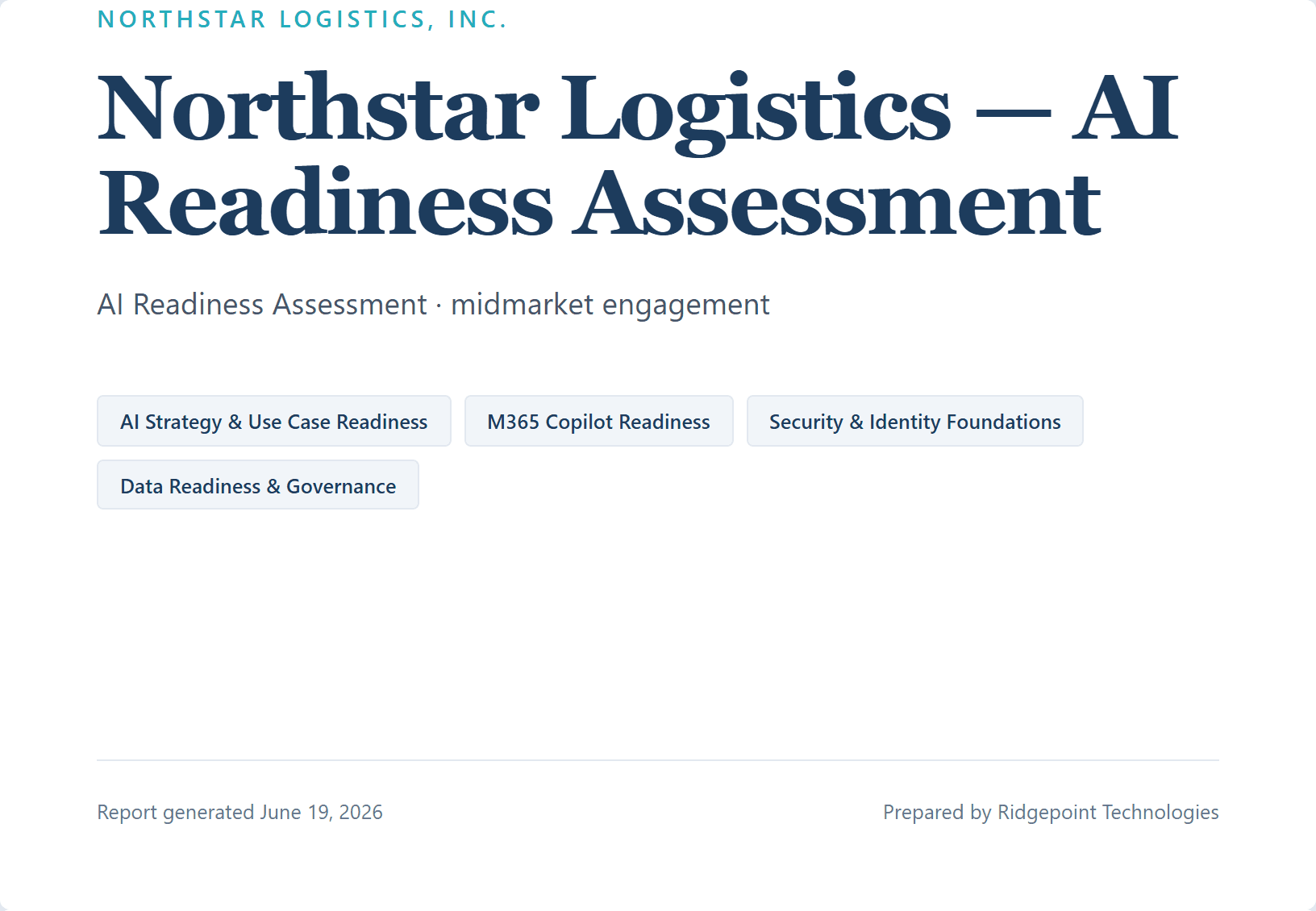
- One overall readiness grade you can say out loud.
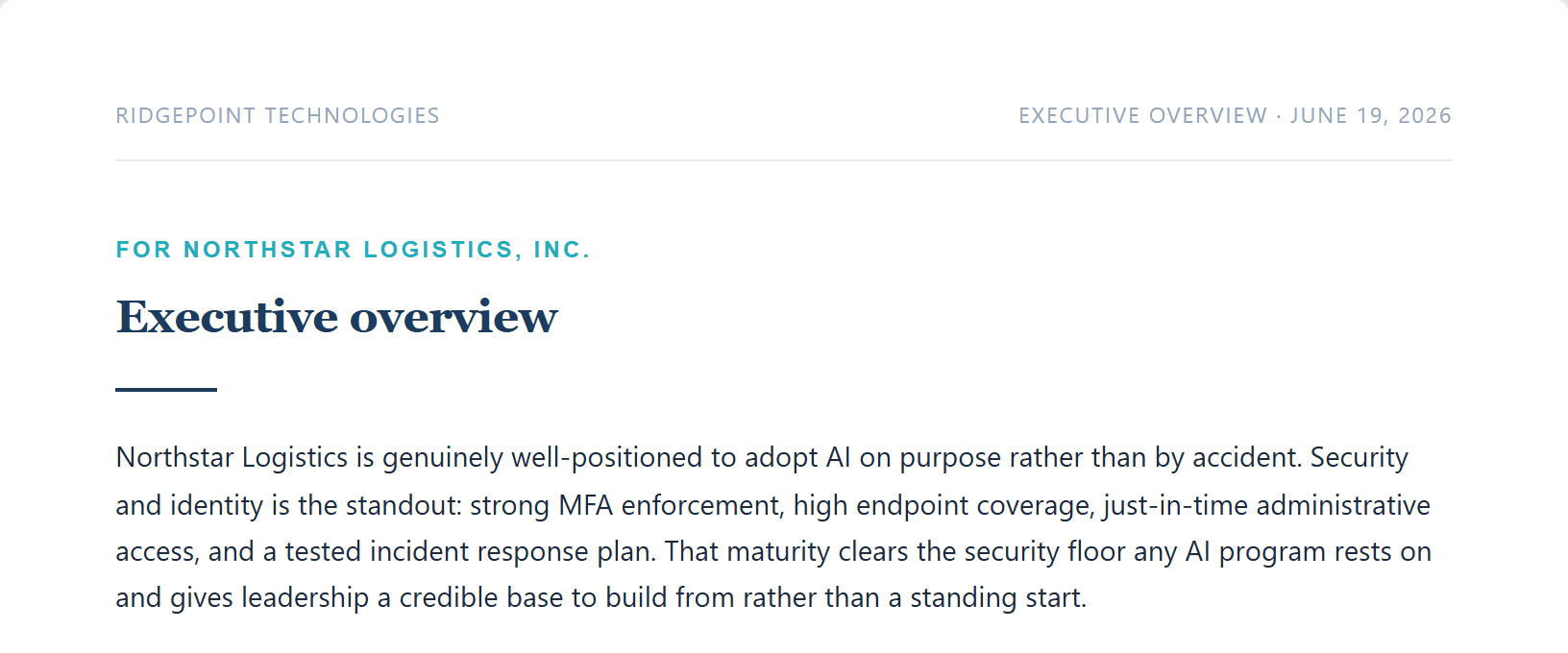
- A plain-English summary of what it means for you.
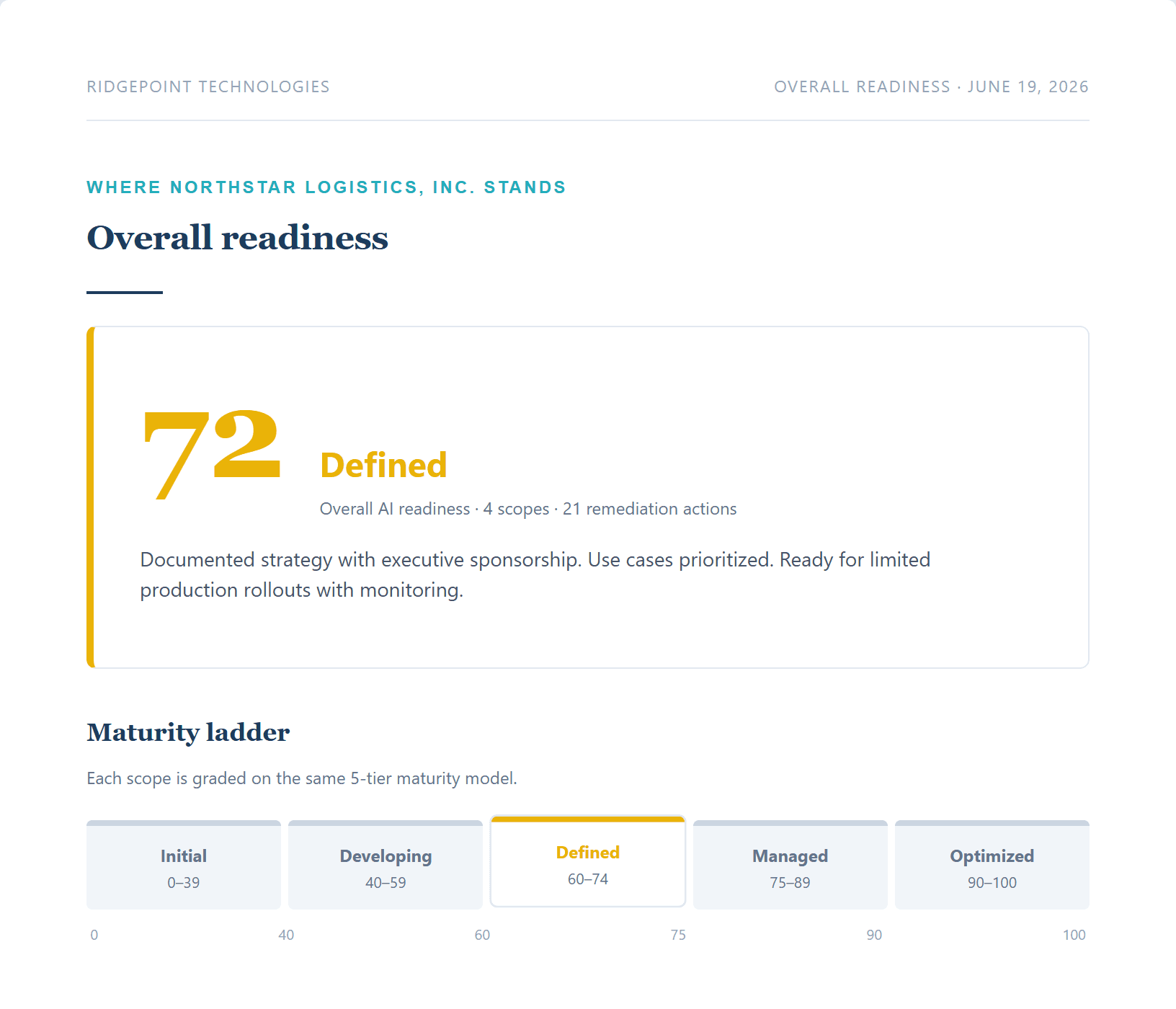
- A score for every area we assess, with the strengths called out.
- An honest read on what is solid and what needs work.
Sample report shown. Yours is built from your own answers and your own environment.
Something you can measure
A number you can stand behind. And improve.
Every score traces back to a specific answer. There is no black box, and nothing you cannot explain to a CISO, an auditor, or your board.
Five-tier maturity scale
- See where you stand today. A clear score for each area, on a five-tier scale from Initial to Optimized.
- Know what good looks like. Each level is defined, so you always understand what the next step up requires.
- Prove the progress. Re-run in 90 days. The scoring is consistent, so the improvement is real and comparable.
A plan of action
Every gap comes with a fix, in the right order.
We do not just tell you what is wrong. We hand you a prioritized, sequenced plan your team can start on Monday.
- Sequenced into 30, 60, and 90 days. You always know what to do first, and what can wait.
- Highest-risk items first. Fix what actually gates a safe rollout before you scale anything.
- Effort and impact, labeled. Quick wins and heavy lifts are obvious at a glance, so you spend effort where it counts.
- Concrete steps for each item. Hand it to your team and go. No translation required.
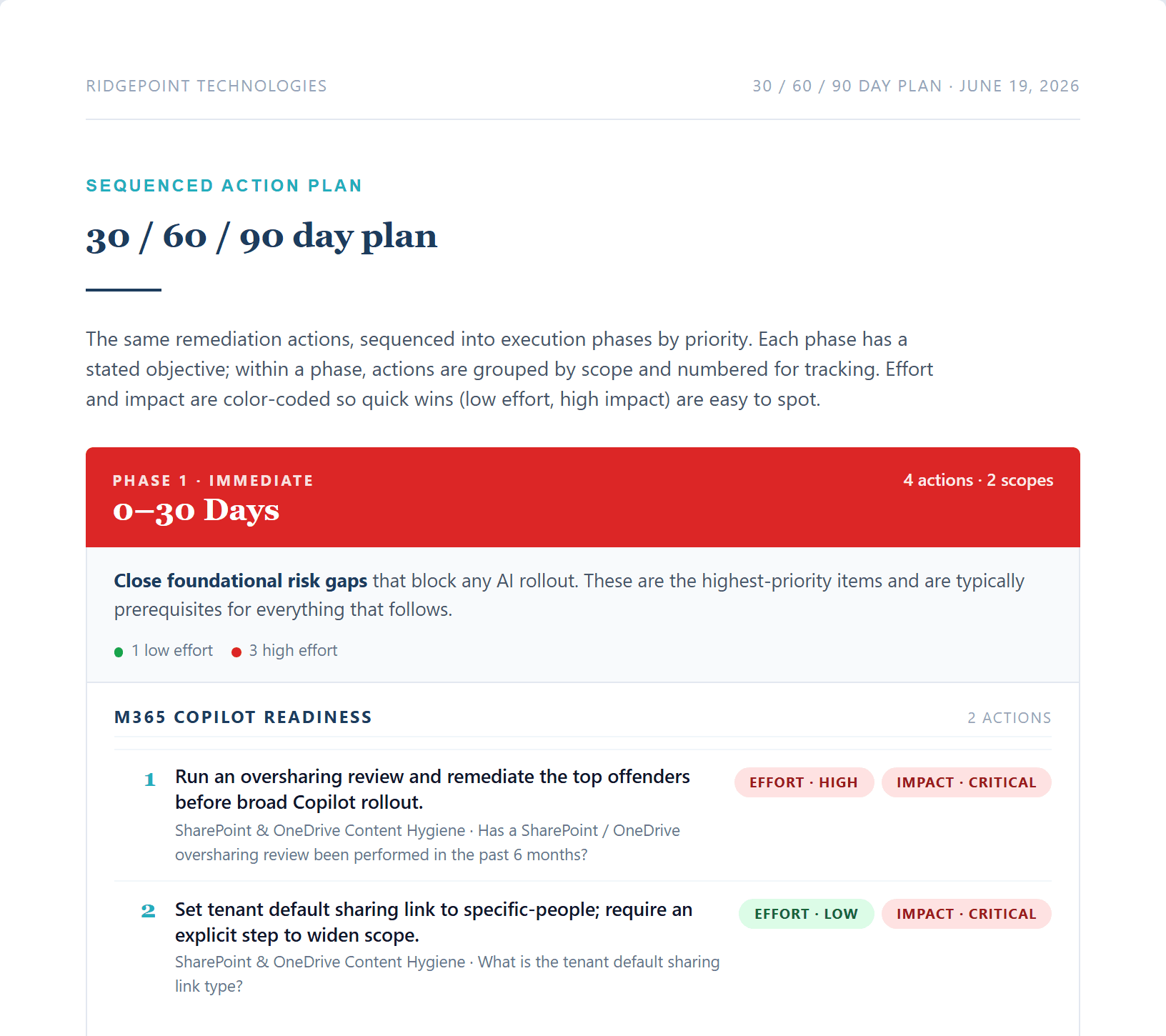
Your remediation roadmap, phased and prioritized.
Why Ridgepoint
You get a partner, not just a PDF.
AI readiness is not a form you fill out once. It is a moving target. Ridgepoint stays with you, from the first assessment through the work that follows.
The method is deliberately transparent. Every score and every recommendation traces back to something real you can see and question. You will always know why.
And it is grounded in the standards your team already trusts, from Microsoft’s own guidance to the NIST AI framework. No hype, no black boxes, no surprises.
John Roeser
Ridgepoint Technologies
Built on what matters to you
The assessment spans the areas that actually decide whether AI is safe to turn on, not a generic checklist.
Built on
AI platforms your business can trust
 ClaudeAnthropic
 ChatGPTOpenAI
 CopilotMicrosoft
 GeminiGoogle
 PerplexityPerplexity AI
 GrokxAI
 Meta AIMeta
 DeepSeekDeepSeek
 n8nn8n GmbH
FAQ
Frequently asked questions
It is a graded review of whether your business is ready to use AI safely, with Microsoft 365 Copilot as the common starting point. You answer a short, plain-English assessment, optionally run a one-click read-only scan, and get back a scored readiness report and a prioritized 30/60/90-day plan you can act on right away.
It is read-only. You sign in with your own Microsoft work account and approve a minimum set of read permissions on Microsoft’s own screen. It reads settings to fill in the technical answers, but it cannot change, move, or delete anything. Nothing is installed, and you can revoke access in one click.
Most assessments fit inside a week from kickoff to report. You provide the answers only you can give about your goals, your data, and your setup. We handle the analysis, the scoring, and the plan.
A clear, professional readiness report your leadership team can use: one overall grade, a score for each area on a five-tier scale from Initial to Optimized, an honest read on what is solid and what needs work, and a prioritized, sequenced remediation plan with concrete steps.
Usually, yes. Your IT team runs your infrastructure and your MSP runs your network. Neither is typically reviewing AI and Copilot adoption through a security and data-privacy lens. This is advisory, not operational. We work alongside your existing IT resources and hand the report and plan to whoever owns the follow-through.
Most teams already do, often without a policy. The assessment gives you a clear baseline and a plan before you turn anything on. And because the scoring is consistent, you can re-run it in 90 days to prove the progress is real and comparable.
Cost scales with the size of your organization and the depth of the review. We scope it to your situation and give you a clear number before any work starts, and an annual refresh is available to keep your readiness current as the tools change.
Let’s begin
Find out where you stand.
An assessment is low effort, low risk, and high signal. Worst case, you walk away with a clear report and a plan. There is not really a downside.